
Hiding a product
The 'Hide' feature allows you to temporarily remove an item from the inventory display. After opening a product in ‘AI training’, simply click the ‘Hide’ button in the bottom right corner of the screen. This will prevent the item from showing up, ensuring it doesn’t appear red while you take reference photos.
⚠️ Tip: Even if an item is hidden, it can still be recognized by the AI during transactions if reference images are available. Hiding an item does not prevent the AI from detecting it.
If your goal is to completely stop the AI from recognizing a specific item, please refer to the 'Ignore' feature for guidance.
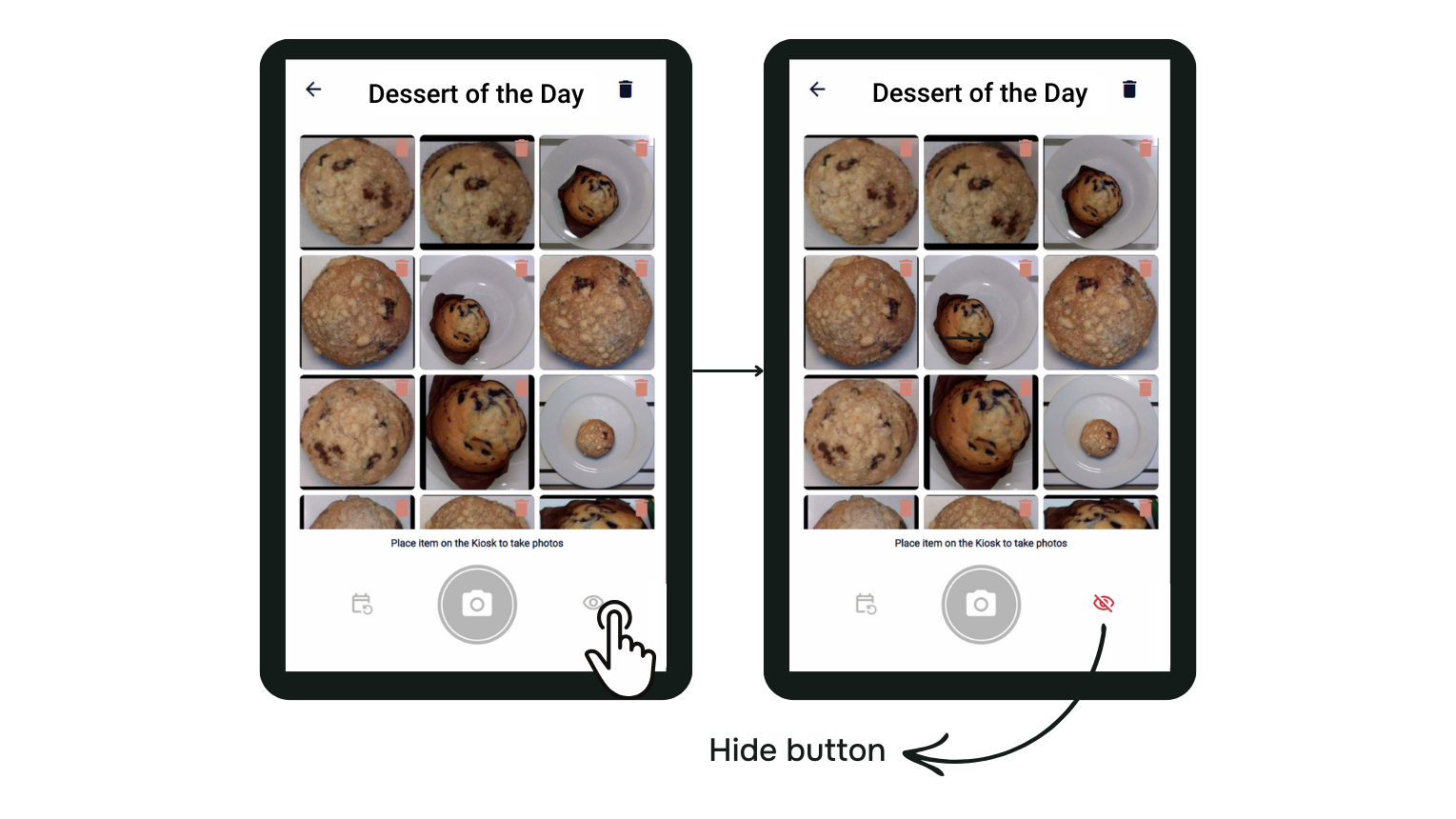
The location of the ‘Hide’ button

A close-up on the button in an activated state