
Lock or unlock the kiosk
Edited
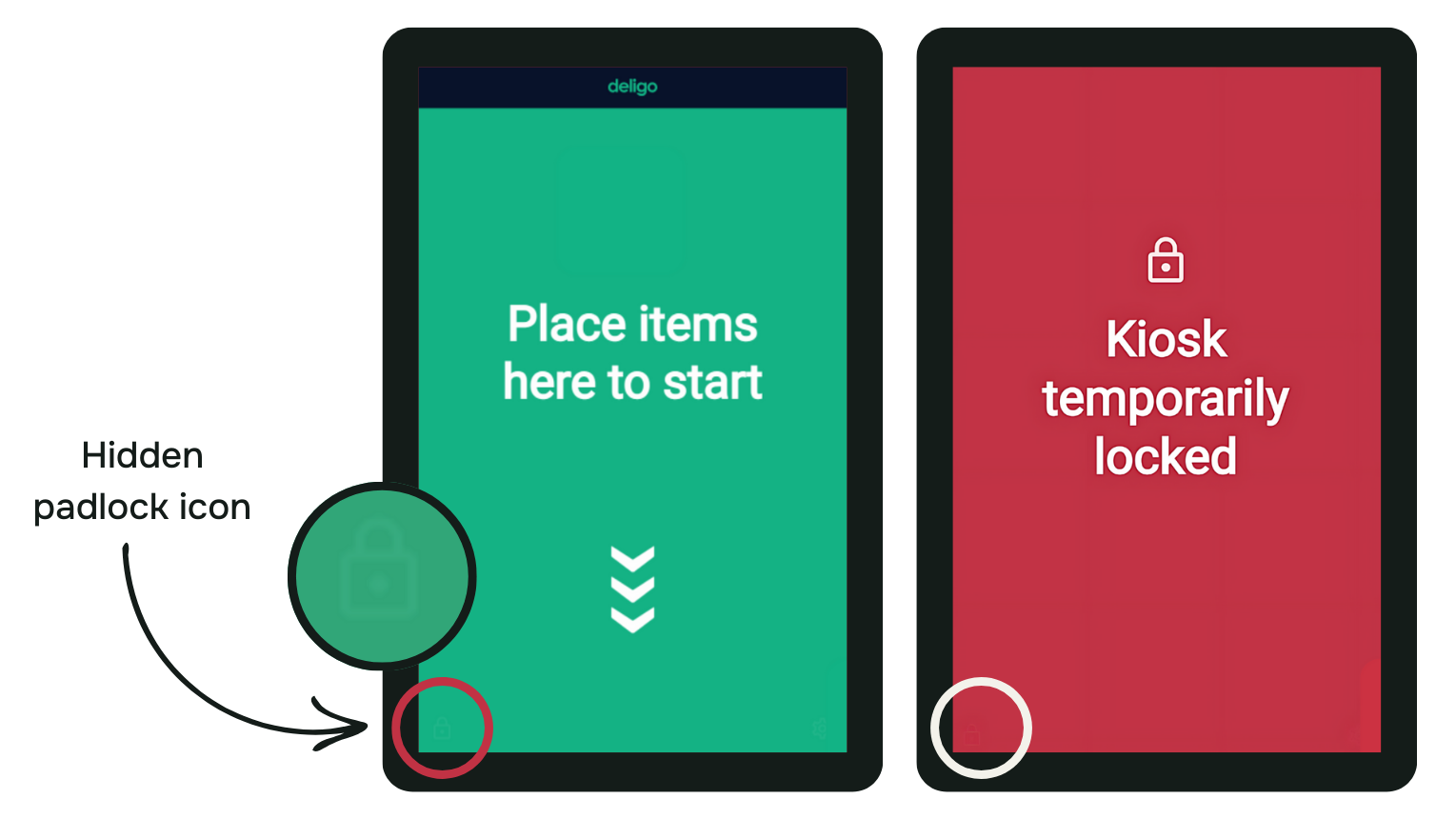
You can find a hidden button (watermark padlock icon) in the bottom left corner of the starting screen.
You can easily lock or unlock the kiosk by tapping this button once. At the end of the day, this feature enables you to prevent people from checking out through the kiosk.
This feature is also useful when you clean the kiosk base, which is recommended to do so often.
Was this article helpful?
Sorry about that! Care to tell us more?